


Best Gaming Desk Setup for PC, Console, and Streaming
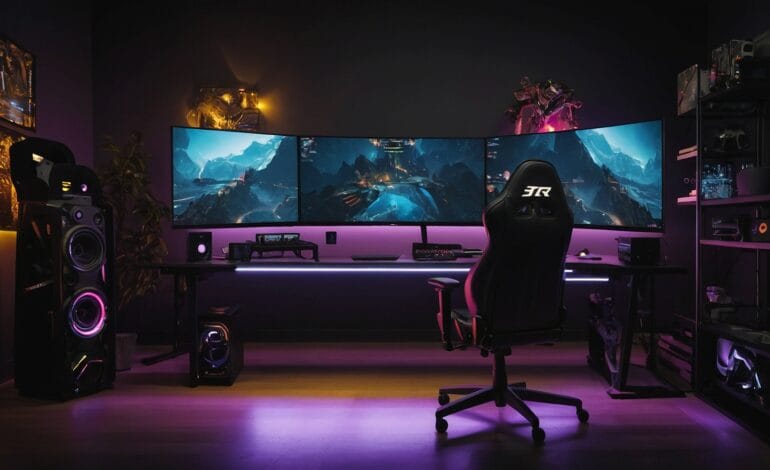

Table of contents
- Why a Proper Gaming Desk Setup Matters
- Choosing the Right Gaming Desk
- Best Gaming Desk Setup for PC Gamers
- Best Gaming Desk Setup for Console Gamers
- Best Gaming Desk Setup for Streaming
- Ergonomic Setup for Maximum Comfort
- Cable Management for a Clean Setup
- Lighting Setup for Gaming and Streaming
- Accessories That Improve Gaming Desk Setup
- Storage and Organization Solutions
- Small Room Gaming Desk Setup Ideas
- Budget vs Premium Gaming Desk Setups
- Common Mistakes to Avoid
- Health Tips for Long Gaming Sessions
- Future Trends in Gaming Desk Setups
- Frequently Asked Questions (FAQs)
- Conclusion
A great gaming experience doesn’t start with expensive hardware—it starts with a well-designed gaming desk setup. Whether you’re a PC gamer, console player, or streamer, your desk setup plays a crucial role in comfort, performance, and productivity. The right setup reduces fatigue, improves reaction time, enhances organization, and creates a professional-looking gaming environment.
In this complete guide, we’ll explore the best gaming desk setup for PC, console, and streaming, covering desk selection, layout ideas, monitor placement, lighting, cable management, accessories, and ergonomics. This article is designed to help gamers of all levels build an efficient, comfortable, and future-proof setup.
Why a Proper Gaming Desk Setup Matters
Gaming sessions often last several hours. A poor desk setup can lead to:
- Back and neck pain
- Eye strain
- Wrist injuries
- Reduced focus
A well-optimized gaming desk setup improves:
- Comfort during long sessions
- Reaction speed and accuracy
- Desk organization
- Streaming quality
Choosing the Right Gaming Desk
Desk Size and Surface Area
The ideal desk size depends on your gaming style:
- Small desk (47–55 inches): Single monitor or console setups
- Medium desk (55–63 inches): Dual monitor PC setups
- Large desk (63–75+ inches): PC + console + streaming gear
Desk Shape Options
- Straight desk: Simple and affordable
- L-shaped desk: Best for multitasking and streaming
- Sit-stand desk: Ideal for long hours and health
Desk Materials
- Wood: Durable and stylish
- Metal frame: Strong and stable
- Carbon-fiber finish: Modern gaming look
Best Gaming Desk Setup for PC Gamers
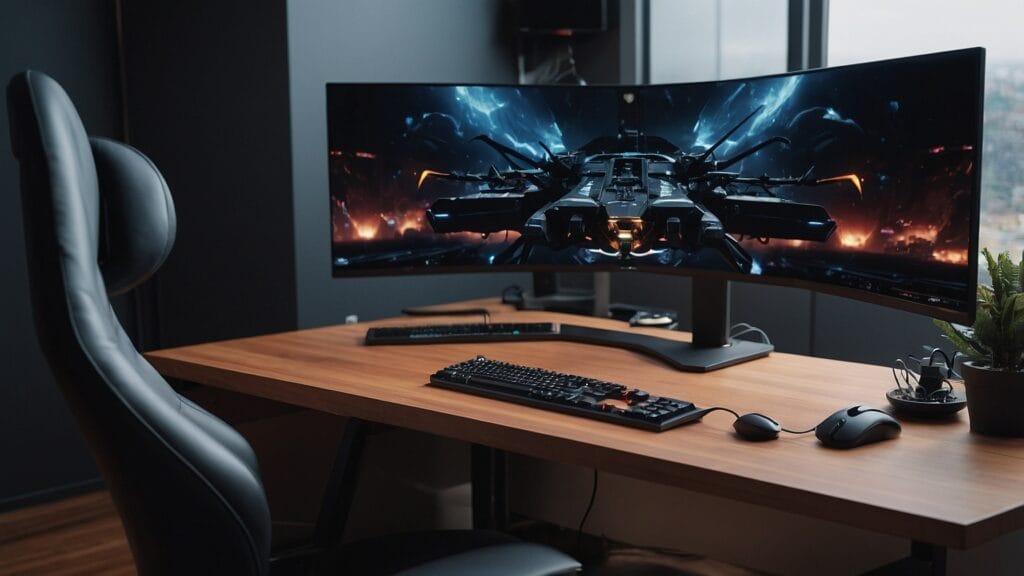
PC Placement
- Place the PC on the desk or in a ventilated CPU holder
- Ensure proper airflow
- Avoid placing it on carpet
Monitor Setup
- Single monitor centered at eye level
- Dual or triple monitors angled inward
- Use monitor arms to save space
Keyboard & Mouse Setup
- Mechanical keyboard for precision
- Large mouse pad for smooth tracking
- Keep wrists straight and supported
Best Gaming Desk Setup for Console Gamers
Console gamers need simplicity and accessibility.
Console Placement
- Place on the side of the desk or shelf
- Ensure airflow for cooling
- Keep discs and controllers nearby
Monitor or TV Setup
- Monitor for competitive gaming
- TV for casual gaming
- Maintain proper viewing distance
Controller Organization
- Charging docks
- Wall mounts
- Desk stands
Best Gaming Desk Setup for Streaming
Streaming requires additional planning.
Desk Layout
- One side for gaming
- One side for streaming equipment
Essential Streaming Gear
- Microphone with boom arm
- Webcam or DSLR camera
- Stream deck for controls
- Ring light or key light
Audio Setup
- Quality microphone
- Pop filter
- Headphones for monitoring
Ergonomic Setup for Maximum Comfort
Chair Selection
- Adjustable height
- Lumbar support
- Neck rest
Desk Height
- Elbows at 90 degrees
- Forearms parallel to the desk
Monitor Height
- Top of screen at eye level
- Distance: 20–30 inches
Cable Management for a Clean Setup
Messy cables reduce focus and airflow.
Cable Management Tools
- Cable trays
- Velcro ties
- Cable sleeves
- Desk grommets
Power Management
- Under-desk power strips
- Surge protection
Lighting Setup for Gaming and Streaming
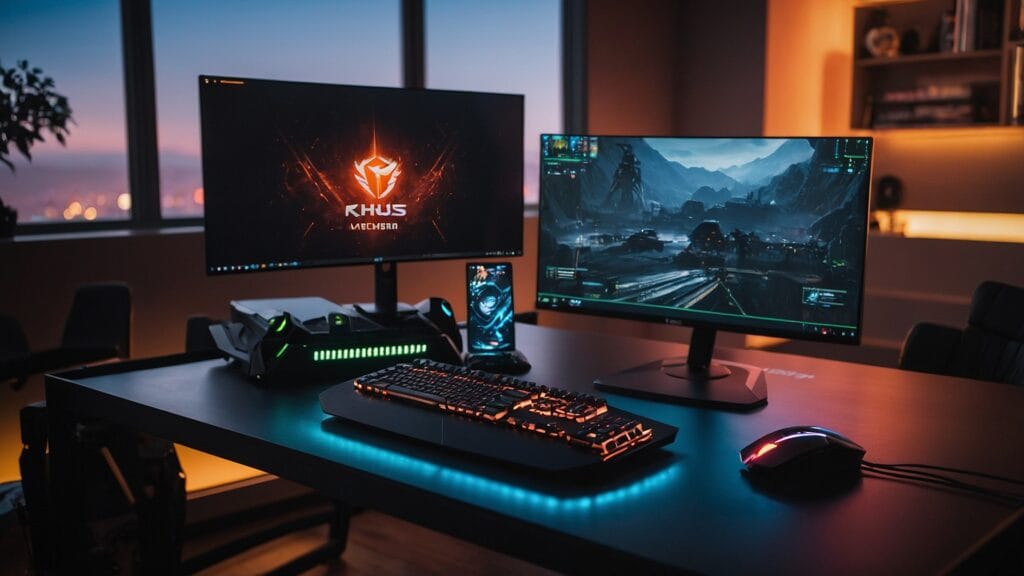
RGB Lighting
- Under-desk LED strips
- Monitor backlighting
Streaming Lighting
- Key light for face
- Fill light to reduce shadows
Eye Comfort
- Bias lighting
- Warm desk lamps
Accessories That Improve Gaming Desk Setup
- Monitor arms
- Headphone stand
- Controller holder
- Cup holder
- Desk mat
Storage and Organization Solutions
Under-Desk Storage
- Drawers
- CPU mount
- Cable baskets
Wall Storage
- Floating shelves
- Pegboards
Small Room Gaming Desk Setup Ideas
- Use corner desks
- Wall-mounted monitors
- Vertical storage
- Compact accessories
Budget vs Premium Gaming Desk Setups
Budget Setup
- Basic desk
- Single monitor
- Essential accessories
Premium Setup
- Motorized sit-stand desk
- Multi-monitor arms
- Smart lighting
Common Mistakes to Avoid
❌ Desk too small
❌ Poor posture
❌ No cable management
❌ Overcrowded desk
❌ Bad lighting
Health Tips for Long Gaming Sessions
- Take breaks every hour
- Stretch hands and neck
- Use blue-light filters
- Maintain hydration
Future Trends in Gaming Desk Setups
- Smart desks with charging
- Modular designs
- Wireless peripherals
- Integrated RGB control
Frequently Asked Questions (FAQs)
1. What is the best desk size for gaming and streaming?
A desk between 55–75 inches is ideal for PC, console, and streaming setups.
2. Is an L-shaped desk good for gaming?
Yes, L-shaped desks offer more space and better organization for multitasking and streaming.
3. How many monitors do I need for streaming?
Two monitors are recommended—one for gaming and one for chat and controls.
4. What lighting is best for streamers?
A key light, fill light, and soft RGB background lighting work best.
5. How do I keep my gaming desk comfortable?
Use an ergonomic chair, proper monitor height, good lighting, and regular breaks.
6. Can one desk support PC, console, and streaming?
Yes, with proper planning and an L-shaped or large desk, all three can be combined efficiently.
Conclusion
The best gaming desk setup for PC, console, and streaming balances comfort, performance, and organization. By choosing the right desk, optimizing ergonomics, managing cables, and using proper lighting, you can create a setup that enhances gameplay and supports long sessions without fatigue.
Whether you’re a casual gamer or a professional streamer, investing time in your gaming desk setup will significantly improve your overall experience.